📚 Read Along Apps Review (2026): Best Apps to Improve Reading Skills
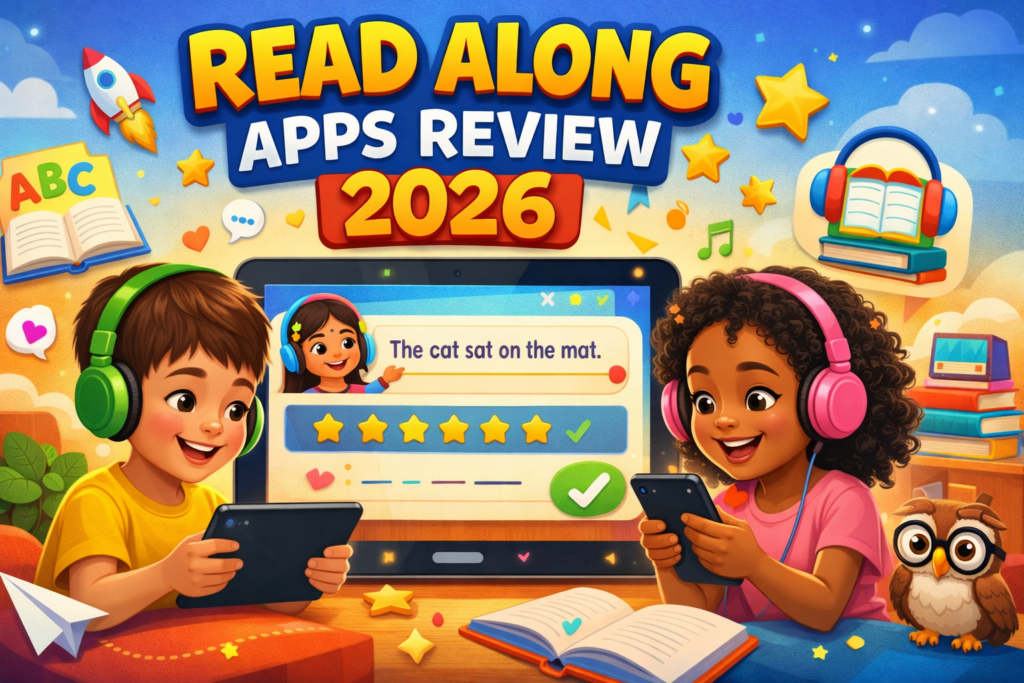
In today’s digital world, learning has become smarter and more engaging. Read along apps are helping kids and beginners improve reading skills using AI, voice recognition, and interactive stories.
If you are looking for the best reading apps for kids in 2026, this detailed review will help you choose the right one.a
📖 What Are Read Along Apps?
Read Along Apps are mobile applications designed to help users read aloud with guidance. These apps listen to pronunciation and provide instant feedback.
They are useful for:
- Kids learning to read
- Beginners improving English
- Parents teaching children at home
- ESL learners
⭐ Best Read Along Apps in 2026
🟢 1. Google Read Along (Bolo)
Google Read Along is a free reading app powered by AI assistant “Diya” that helps children read aloud and correct mistakes.
Features:
- Voice recognition support
- Works offline
- Multiple languages
- Interactive games
Pros:
- 100% free
- No ads
- Easy interface
Cons:
- Limited advanced content
🔵 2. Duolingo ABC
Duolingo ABC focuses on phonics, letter tracing, and beginner-level reading skills.
Features:
- Fun animations
- Phonics-based lessons
- Writing practice
Pros:
- Structured learning
- Beginner-friendly
Cons:
- Needs internet for full access
🟡 3. Khan Academy Kids
A complete learning app that includes reading, math, and educational activities.
Features:
- Interactive books
- Personalized learning
- Offline support
Pros:
- Free and trusted
- Engaging content
Cons:
- Needs initial guidance
🔴 4. ABC Kids – Tracing & Phonics
Best app for toddlers learning alphabets and sounds.
Features:
- Alphabet tracing
- Phonics sounds
- Simple design
Pros:
- No ads
- Lightweight
Cons:
- Basic features only
🟣 5. Epic! – Kids Reading App
A premium app with thousands of books and read-along features.
Features:
- Large book library
- Audiobooks
- Personalized suggestions
Pros:
- High-quality content
- Engaging
Cons:
- Paid subscription
📊 Comparison Table
| App Name | Age Group | Free/Paid | Offline | Best Feature |
|---|---|---|---|---|
| Google Read Along | 5–10 | Free | Yes | AI reading assistant |
| Duolingo ABC | 3–7 | Free | Partial | Phonics learning |
| Khan Academy Kids | 2–8 | Free | Yes | Full learning system |
| ABC Kids | 2–5 | Free | Yes | Alphabet basics |
| Epic! | 6–12 | Paid | Yes | Huge book library |
🎯 Benefits of Read Along Apps
- Improves pronunciation
- Builds reading confidence
- Makes learning fun
- Personalized experience
- Available anytime
⚠️ Limitations
- Increased screen time
- Less human interaction
- Some apps are paid
🧠 How to Choose the Best App?
Consider these points:
- Age of child
- App features
- Offline support
- Language options
- Ease of use
👨👩👧 Tips for Parents
- Set daily reading time
- Guide children initially
- Combine apps with books
- Monitor progress
🔗 Internal Linking (For Your Website)
You can add these internal links on your site storiess.in:
- 👉 Best Educational Apps for Students
- 👉 Top Learning Apps in India 2026
- 👉 Online Study Tips for Kids
- 👉 Free Government Education Schemes 2026
(Use these as anchor text within the article for better SEO)
👉શાળા ઇન્સ્પેક્શન પત્રક ડાઉનલોડ કરો
📌 Conclusion
Read Along Apps are a powerful tool for improving reading skills in a fun and interactive way. Apps like Google Read Along and Khan Academy Kids are excellent free options, while Epic! offers premium content for advanced learners.
Using these apps regularly can help children build confidence and develop strong reading habits.
❓ FAQs
Q1. Which is the best free reading app?
Google Read Along is one of the best free apps available.
Q2. Are read along apps safe?
Yes, most apps are designed for kids and are safe to use.
Q3. Can adults use these apps?
Yes, especially beginners and English learners.
Q4. Do these apps work offline?
Some apps like Google Read Along support offline mode.
✅ Extra SEO Tips for WordPress
- Use focus keyword: Read Along Apps Review
-
Add keyword in:
- Title
- First paragraph
- Headings
- Image ALT tex