📚 Read Along Apps Review (2026): Best Apps to Improve Reading Skills for Kids & Beginners
📝 Meta Description
Discover the best read along apps in 2026 for kids and beginners. Improve pronunciation, fluency, and reading skills with top AI-powered reading apps.
🔗 SEO Slug
read-along-apps-review-2026
📖 Introduction
In today’s digital era, learning has moved beyond classrooms. With smartphones becoming a part of everyday life, educational apps are transforming how children and beginners learn to read. One of the most effective tools in this space is Read Along Apps.
These apps are designed to help users improve their reading skills by listening, repeating, and practicing with interactive content. Whether it’s a child learning basic phonics or an adult improving English fluency, read along apps provide an engaging and personalized learning experience.
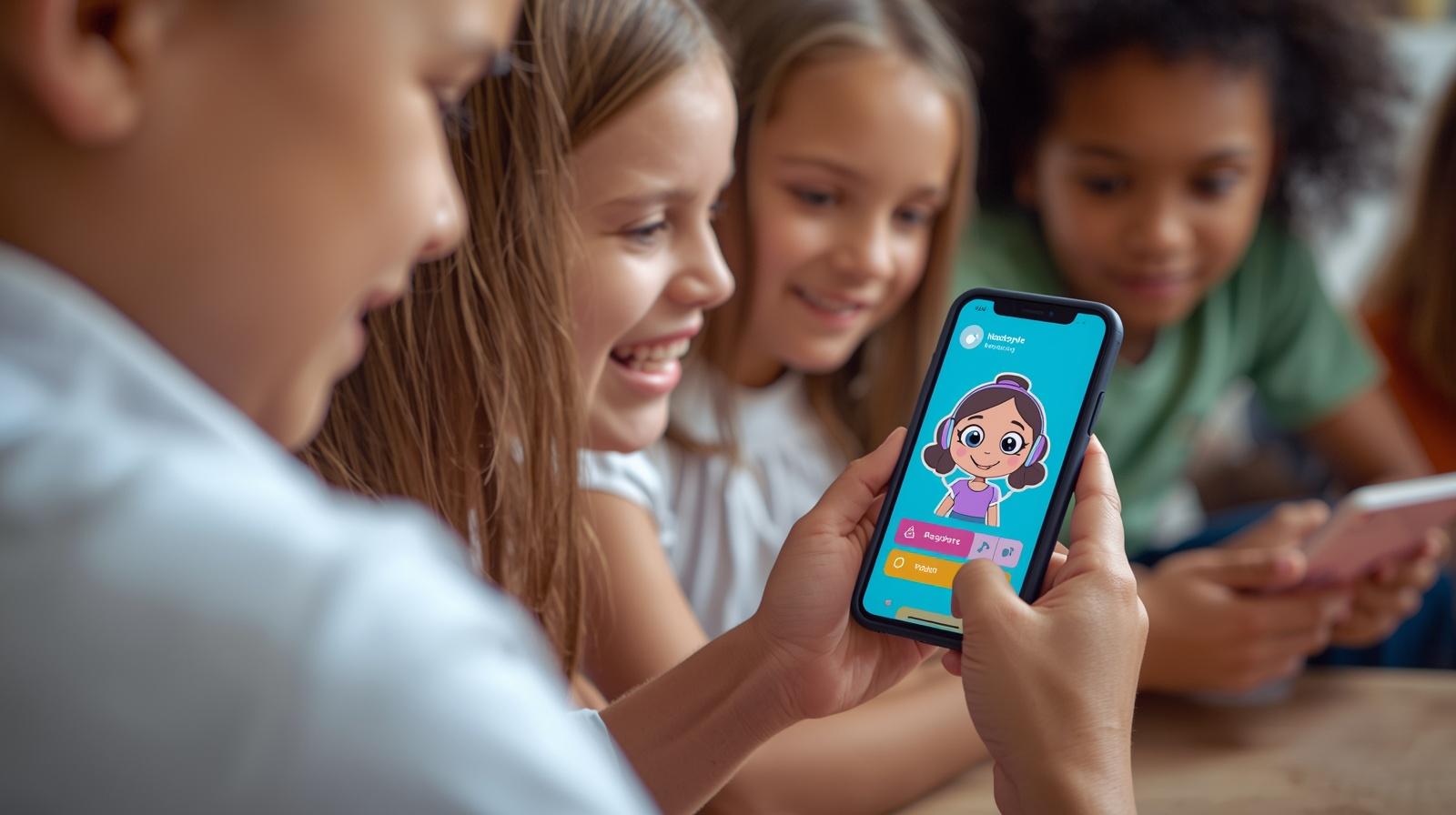
In this article, we will explore the best read along apps in 2026, their features, benefits, pros & cons, and how to choose the right one.
📱 What Are Read Along Apps?
Read along apps are digital tools that help users read aloud with the assistance of AI or voice recognition technology. These apps listen to the user’s pronunciation and provide feedback in real time.
🎯 Key Features:
- Voice recognition technology
- Real-time pronunciation correction
- Interactive stories and lessons
- Gamified learning experience
- Progress tracking
🌟 Top Read Along Apps in 2026
1. Google Read Along (Bolo)
One of the most popular reading apps, Google Read Along is designed for children aged 5 and above. It works offline and uses a speech-based assistant named Diya.
✅ Features:
- Works offline
- Supports multiple languages including Hindi & English
- AI reading assistant (Diya)
- Free to use
👍 Pros:
- No ads
- Kid-friendly interface
- Lightweight app
👎 Cons:
- Limited advanced reading content
2. Duolingo ABC
Duolingo ABC focuses on phonics and early literacy skills for young learners.
✅ Features:
- Phonics-based lessons
- Fun animations
- No ads or in-app purchases
👍 Pros:
- Highly engaging
- Structured learning path
👎 Cons:
- Limited language support
3. Khan Academy Kids
Khan Academy Kids is a comprehensive learning app that includes reading, writing, and storytelling.
✅ Features:
- Free educational content
- Wide variety of books and stories
- Personalized learning
👍 Pros:
- Completely free
- Trusted educational platform
👎 Cons:
- Requires internet for full features
4. Lingokids
Lingokids is a subscription-based app offering interactive reading lessons and games.
✅ Features:
- Interactive lessons
- Gamified experience
- English vocabulary building
👍 Pros:
- Engaging content
- Regular updates
👎 Cons:
- Paid subscription required
5. Epic! Reading App
Epic! offers a massive digital library for kids.
✅ Features:
- 40,000+ books
- Audiobooks
- Read-to-me feature
👍 Pros:
- Huge content library
- Suitable for all reading levels
👎 Cons:
- Subscription required
🎯 Benefits of Using Read Along Apps
📈 Improves Reading Skills
These apps help users develop pronunciation, fluency, and comprehension.
🎮 Makes Learning Fun
Gamified elements keep children engaged and motivated.
🧠 Builds Confidence
Real-time feedback helps users correct mistakes and gain confidence.
🌍 Multi-language Support
Many apps support regional languages, making learning accessible.
🔍 How to Choose the Best Read Along App
When selecting a read along app, consider the following factors:
✔️ Age Group
Choose apps suitable for the learner’s age.
✔️ Language Support
Check if the app supports your preferred language.
✔️ Offline Access
Important for users with limited internet connectivity.
✔️ Pricing
Look for free vs paid features.
✔️ Content Quality
Ensure the app provides engaging and educational content.
⚖️ Comparison Table
| App Name | Free | Offline | Best For |
|---|---|---|---|
| Google Read Along | ✅ | ✅ | Beginners |
| Duolingo ABC | ✅ | ❌ | Kids |
| Khan Academy Kids | ✅ | ❌ | All-round learning |
| Lingokids | ❌ | ❌ | Interactive learning |
| Epic! | ❌ | ❌ | Book lovers |
🚀 Tips to Use Read Along Apps Effectively
- Practice daily for at least 15–20 minutes
- Encourage children to read aloud
- Use headphones for better pronunciation feedback
- Track progress regularly
- Combine app learning with physical books
❓ FAQs
Q1: Are read along apps safe for kids?
Yes, most apps are designed with child safety and privacy in mind.
Q2: Which app is best for beginners?
Google Read Along is highly recommended for beginners.
Q3: Do these apps work offline?
Some apps like Google Read Along support offline learning.
Q4: Are read along apps free?
Many apps offer free versions, but some require subscriptions.
🏁 Conclusion
Read along apps have revolutionized the way children and beginners learn to read. With AI-powered features, interactive content, and personalized learning, these apps make reading both fun and effective.
HPC શિક્ષક માર્ગદર્શિકા ડાઉનલોડ કરવા અહીં ક્લિક કરો
📣 Holistic Progressive Report Card (HPC) Download Links 🖇️
| ધોરણ | Excel | |
|---|---|---|
| બાલવાટિકા HPC | Download PDF | Download Excel |
| ધોરણ 1 HPC | Download PDF | Download Excel |
| ધોરણ 2 HPC | Download PDF | Download Excel |
If you’re looking for a free and beginner-friendly option, Google Read Along is a great choice. For a more comprehensive learning experience, Khan Academy Kids and Epic! are excellent options.
Choosing the right app depends on your needs, budget, and learning goals. Start today and take a step towards better reading skills!
🔗 Internal Linking Suggestions
- Best Educational Apps for Students
- Top Free Learning Apps in India
- English Speaking Apps Review